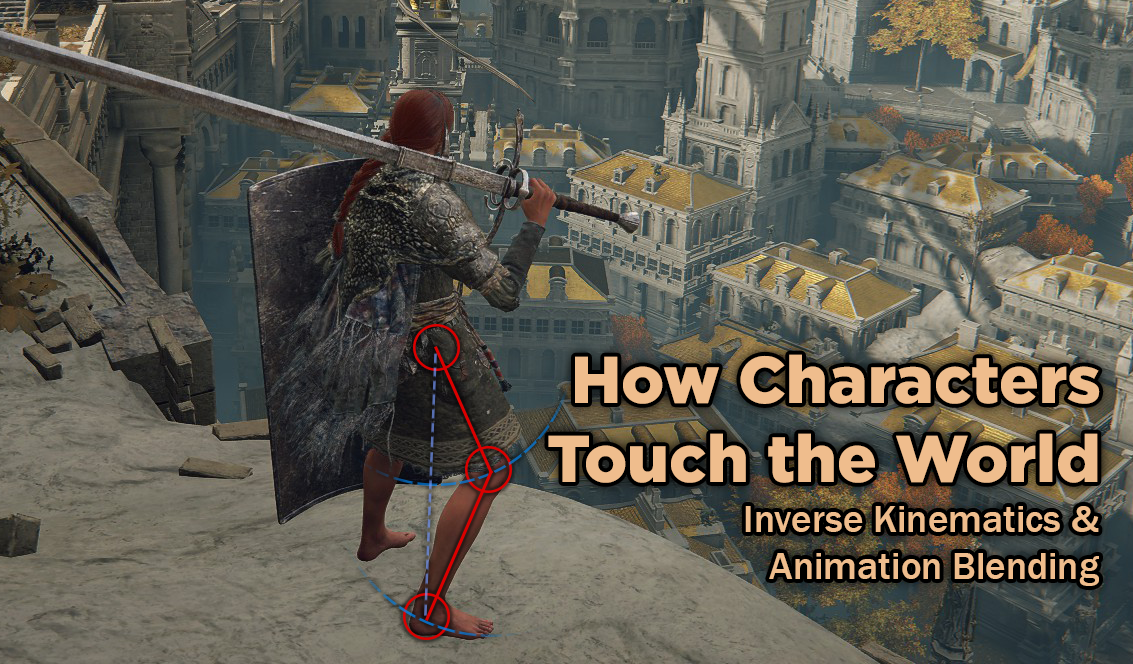
As video games have moved to 3d, a number of techniques have emerged to create game animations that are more tailored to the environment, to make game characters feel less like autonomous pawns floating through environments and more like grounded characters touching the world around them. This largely revolves around Animation Blending and Inverse Kinematics (IK for short).
3d game characters are typically animated using a skeleton made of bones. Animators create animations by moving these bones, then the character’s mesh will deform relative to which polygons are controlled by those bones, rotating in the direction specified. This allows animators to move characters around without having to manually control every single vertex in the mesh.
Animation Blending
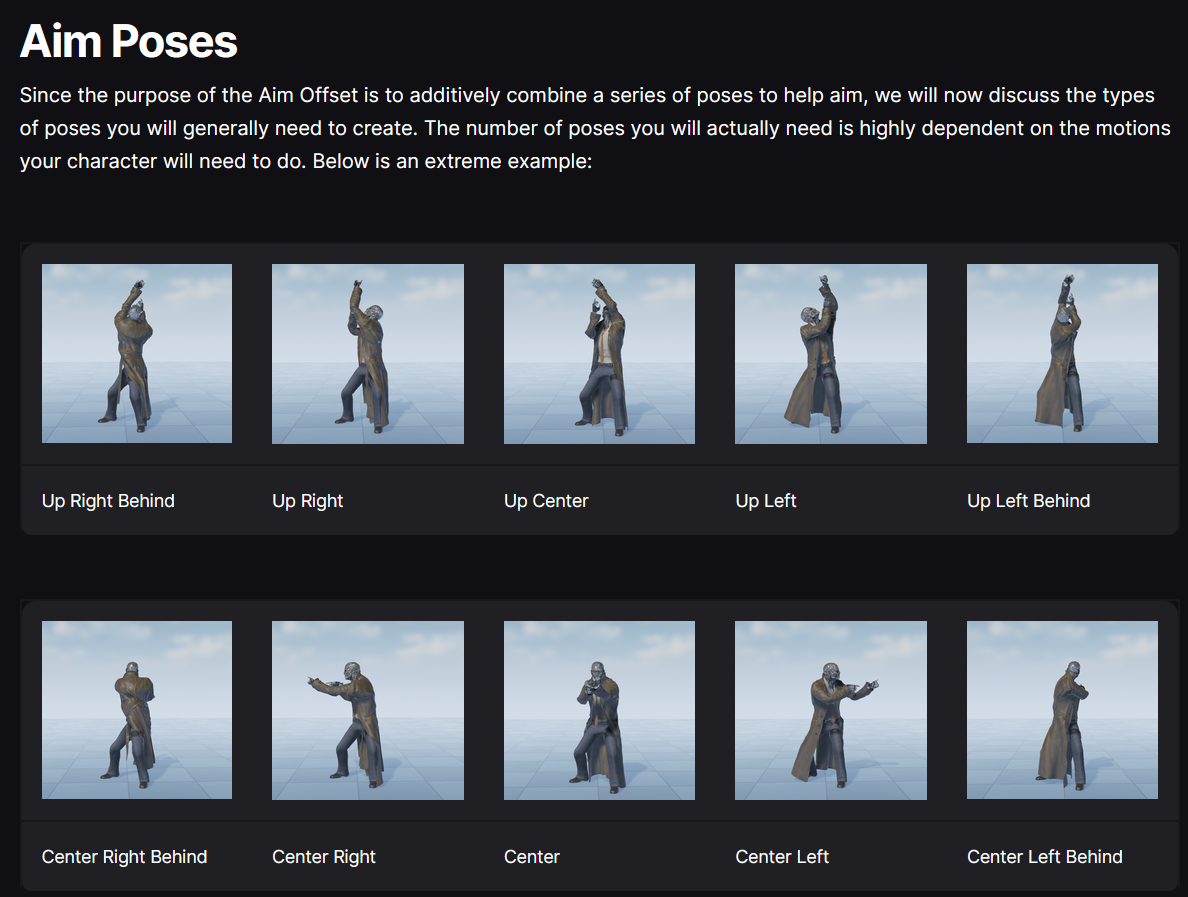
Animation Blending is a software technique that allows 2 animations to play at once, blending them together to show the average of both animations. This can be linearly interpolated to have one animation take more precedence or another, and to smoothly transition between the two relative to gameplay variables.
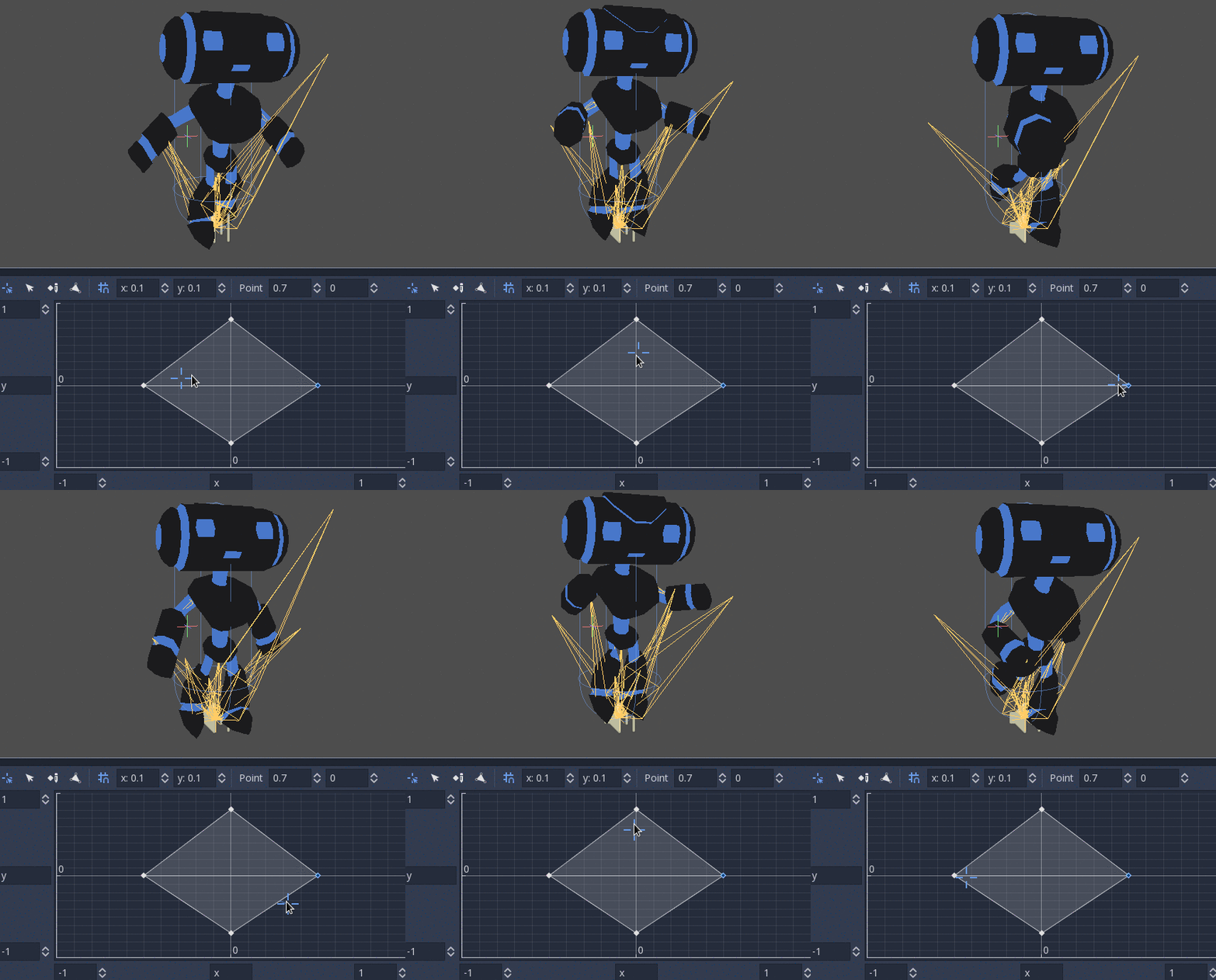
A common example of this in shooter games is having the character’s upper torso and lower torso have separate animations, then blending both together, so the character can run and aim independently of one another. The character’s aiming direction can be a simple pose aiming straight up, straight down, left, and right, then scaling it between the 4 (or more) based on the direction the player is facing. Similarly, the animator makes an animation for running forwards, backwards, left, and right, then blends between them based on the exact direction of running, allowing the character to smoothly run in any 360 degree direction. Then, you can blend the running animations with the aiming animations, and now the character can run in any direction and aim in any direction at the same time, making for a smoothly animating character in any common situation for a shooter game.
Inverse Kinematics
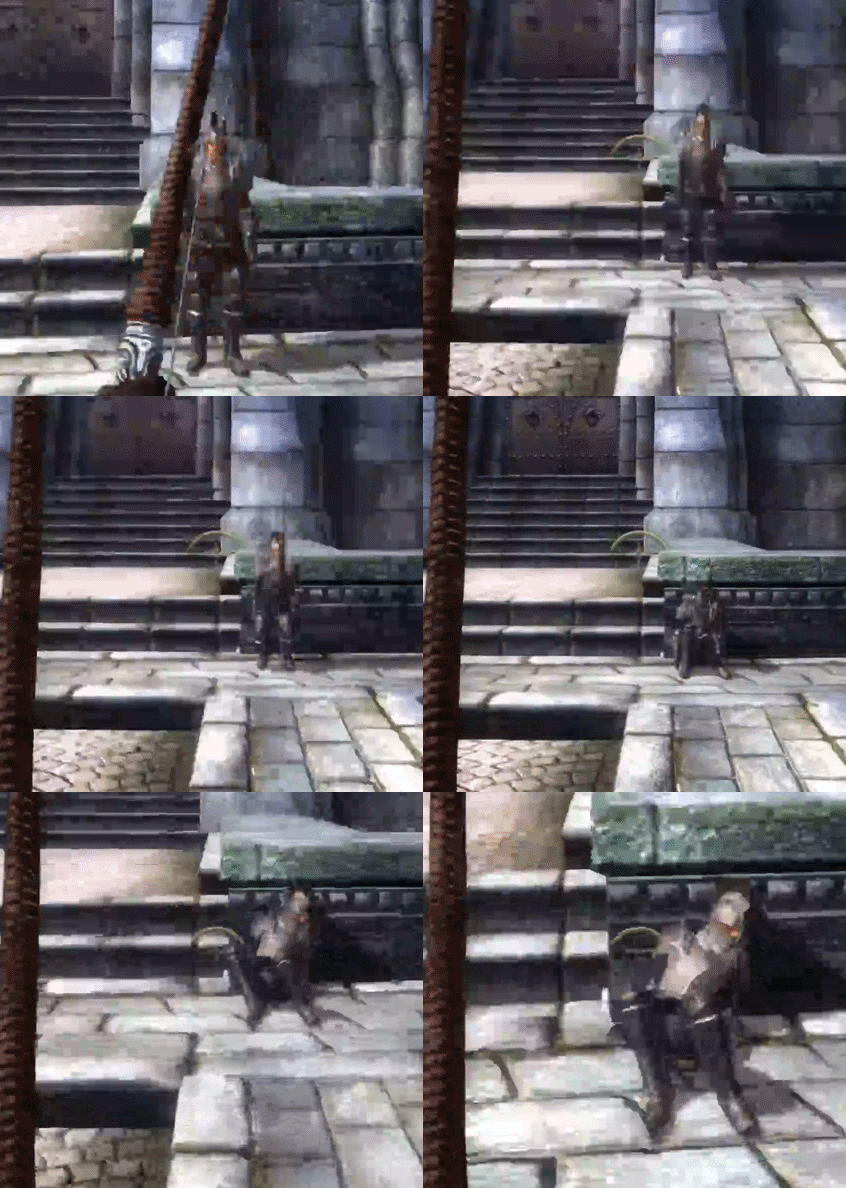
Inverse Kinematics is best known as ragdolling. Essentially, Inverse Kinematics is using math to determine how a limb will bend so its end can reach a target location. When you move your body, you are engaging in Forward Kinematics (FK for short). Your muscles are manually moving each of your bones to produce the motion you are aiming to do. When someone grabs your hand and pulls you along, that is inverse kinematics. FK is pushing, IK is pulling. In this schema, animations authored by the artist are Forward Kinematics, powered by the character themselves.
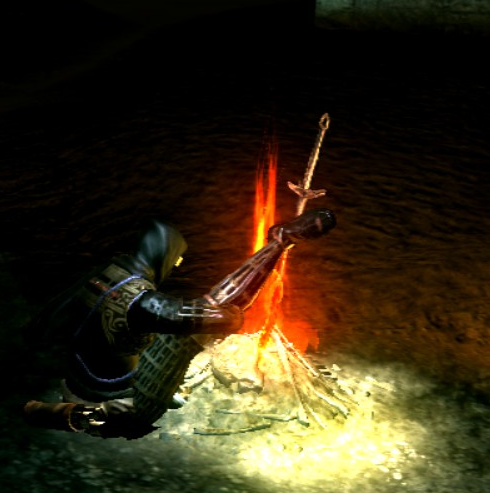
Older games, like Oblivion, first deployed Inverse Kinematics for ragdoll animations. When a character died, the animation controller would release all control over the character, and they would suddenly slump to the floor, usually in a haphazard way. This was a stark contrast to games like Half-Life or Goldeneye, where the animators made a death animation for every enemy, that would play regardless of whether or not it fit the circumstance in which they died.
What’s really cool is that you can actually combine IK and FK using Animation Blending to create a combined result that is both authored, and responsive to the environment or gameplay variables. This means that you can make an authored death animation, tailored to the enemy and maybe the means of death, but you can blend inverse kinematics in as well, so the character can respond to where they took damage from, and the terrain underneath their feet, producing something that both looks good and authored, but also fits into the environment. This can even be adjusted based on the amount of force they receive on death, to produce more or less impactful animations that respect the direction they took damage from.
How Games use IK
There are subtle uses of IK and FK everywhere in games. One of the most common examples is characters’ feet during walking animations. Rather than gliding over the landscape, character’s feet will adjust to the height of the terrain as they walk, riding up on ridges, and down on troughs. They plant themselves into the ground, and do not slide as the character accelerates forward, even when the walking speed is adjusted dynamically, independent of the animation.
In this case, the character’s feet are using inverse kinematics to snap to a target location. The target on the ground is defined for a specific part of the animation, and the IK function figures out how the character’s limbs should bend to make it match with the environment.
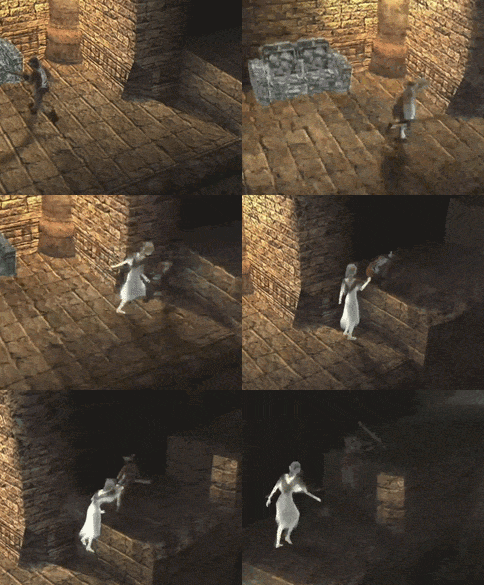
One of the more stunning early uses of Inverse Kinematics in games was Yorda holding hands with Ico in the game Ico. The two characters play Forward Kinematic animations of them running around, but their arms are joined together with Inverse Kinematics. The two characters also have physics constraints limiting their ability to accelerate and move based on each others’ motion. This really helps sell the feeling of pulling someone along by their hand. Shadow of the Colossus built on this by attaching Wander to the colossus when he is holding on and swinging him like a pendulum.
Inverse Kinematics can be applied more broadly for a variety of different purposes, such as flowing scarfs, hair, or bandanas. Or for whips and other dynamic physical objects.
Jiggle Bones
Another way to use code to affect animations is with Jiggle Bones. Jiggle bones, a lot like animation blending, are wrapped on top of existing animations. They can make part of the character’s mesh jiggle around in response to animations, or outside input, like responding to physical force. Jiggle bones are used in a variety of places, such as foliage, attachments to characters (like bags or other loose clothing), or the character’s models themselves. Mario Odyssey used Jiggle Bones in Mario’s nose to make it flop around as Mario performs different acrobatics.
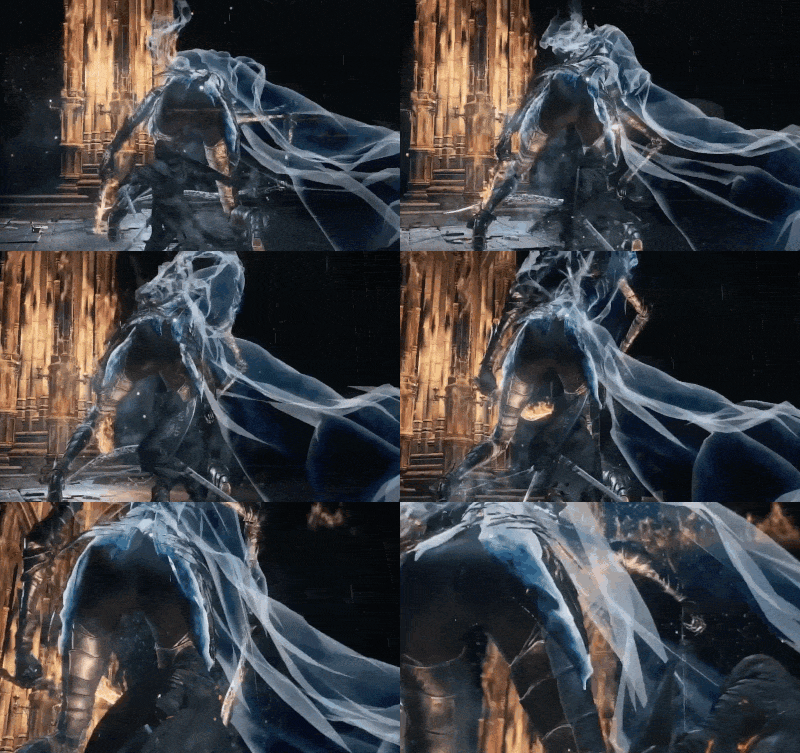
The Soulsborne games started using jiggle bones for their larger enemies starting with Bloodborne, to help represent the impact of physical attacks against these enemies, even when it didn’t interrupt that enemy’s animation. In the past, hitting these large enemies could lack impact, and make the player feel as though their attacks were ineffectual. By using jiggle bones, the enemy or boss will give a clear hit reaction, even when the attack doesn’t break the enemy’s poise, triggering a full hitstun animation.
Hitstop with IK
One of the most masterful applications of Inverse Kinematics and animation blending that I’ve seen takes place in God of War 2018 and God of War Ragnarok.
In most action games, when a melee attack makes contact with an enemy, both the player and the enemy briefly freeze in place at the moment of impact, allowing a particle effect to play in real-time (like a blood splatter, or a hitspark). This is called Hitstop, it’s meant to help sell the power of the impact, and give players feedback that their attack made contact with the enemy.
In the Norse God of War games, instead of this hitstop system: When Kratos’s axe makes contact with an enemy, it becomes attached via inverse kinematics to that enemy at the point of contact, then both Kratos and the enemy independently play the recovery and hitstun animations out, blended with the IK of the axe stuck into the enemy, and the IK of the force from the axe impacting the enemy’s hitstun animation. This makes the axe get stuck inside the enemy and cleave through them in a realistic way that looks like it’s a full paired animation between the player and enemy, while both Kratos and the enemy have full independent authority over their own animations, meaning they can be interrupted by other sources of damage, or other actions.
In other words, Kratos’ axe is *actually physically doing* the thing that other games are trying to evoke with hitstop. I think that’s crazy and a masterful use of the technology!
First Person Viewmodels
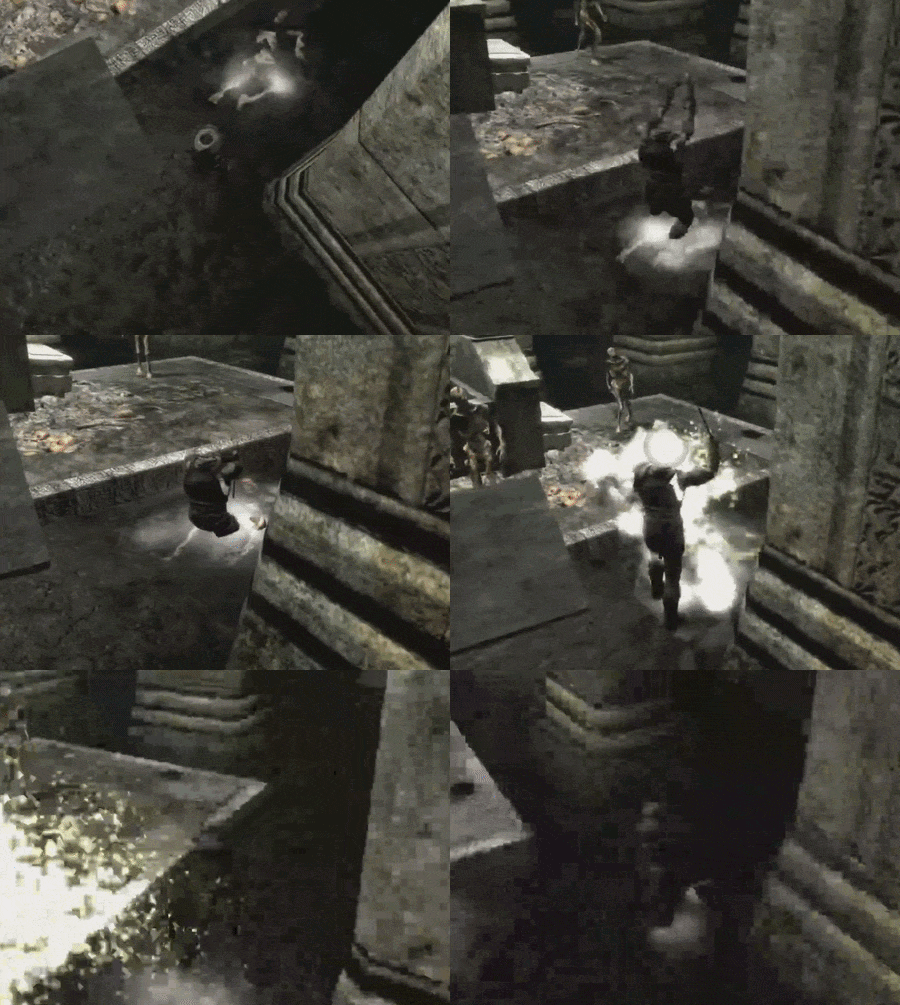
A common bugbear of first person games is being able to look down and see your feet. This is difficult to achieve, both technically and in terms of animation workflow.
The common way that first person games handle this is to simply ignore the problem. Worry about animating a 3rd person model that other players can see, then make that model invisible to the player and give that player a “viewmodel” of only the character’s hands and weapon, so that the animator can worry about animating shooting and reloading animations in 1st person from a fixed camera perspective without having to worry about what the rest of the body is doing, or exactly where the player is looking. This viewmodel is drawn on top of the screen and is invisible to other players, effectively superimposing the hands all by themselves onto the rest of the game.
Dark Messiah of Might and Magic used to be famous for tackling this problem head-on, something that developers on the game said cost them so much time, they didn’t bother with it for their future games, Dishonored and Prey. Dark Messiah’s solution was to create superimposed viewmodels for the hands, then a 3rd person model for part of the chest and feet. This let the hands operate independently of the torso and always display clearly over it, and let the torso and feet play their own animations. Because the hands were superimposed over the rest of the body, this meant they couldn’t clip through the body.
Where I imagine this created difficulties was in syncing the two models together, since they were operating so completely independently of each other and you have no guarantee that they won’t interact in a goofy way when the player is looking straight down and doing actions. Some paired animation bring the hands into the same animation space as the torso and feet, letting them sync up and be animated together for consistency. They didn’t bother repeating this for multiplayer, instead using more traditional view models without the ability to see your feet. They could have repeated the same trick as single-player and just made a separate 3rd person model too, synced to the same animations, but that would mean doing a ton of extra work for very little payoff.
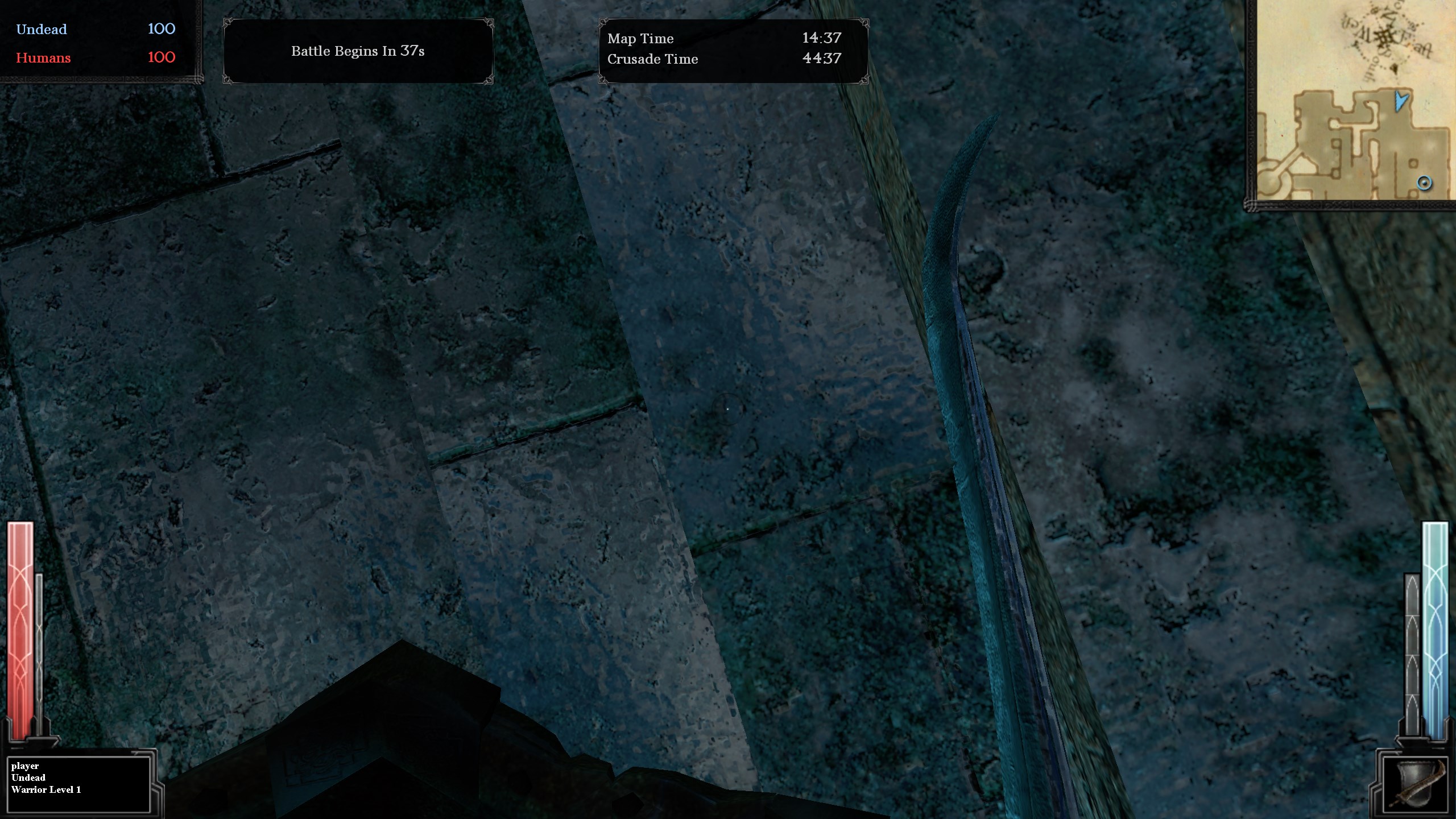
One of the difficulties of using a single model for the entire body of the character in a first person view is that when you look down, your chest can obscure your feet, since your camera needs to be in the center of the body. I’ve seen an indie game fix this by having the character’s head and chest pulled back in the viewmodel, so the camera won’t see them and the camera can rotate up and down seemlessly.
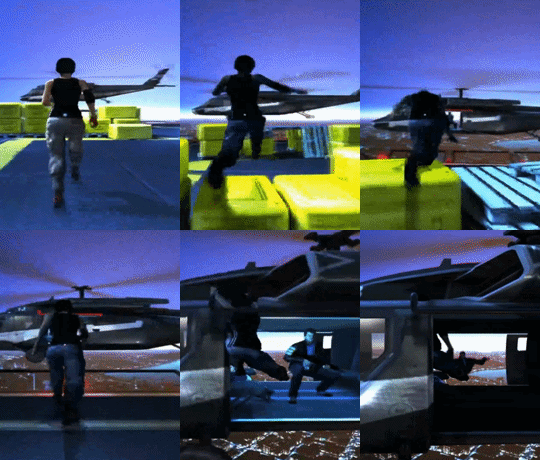
Another issue is animating in first person when you don’t have a guarantee of what orientation the camera will be in (maybe they’re looking up or down, and you want the hands to respond dynamically to this, but look good regardless of orientation). 1st person viewmodels let you ignore animation blending, which can produce unexpected results, especially when you have this heavy camera constraint. When you try to use a single model for the entire character in 1st person, you need to work in a really awkward way and account for a wide range of possibilities.
Mirror’s Edge took on this challenge, and the result is a model that looks fantastic in first person, but incredibly awkward when viewed in 3rd person. If you want the best results for both 1st and 3rd person, you basically need to do each animation twice, and the process for animating them in 1st person is going to be incredibly difficult.
Physics Games
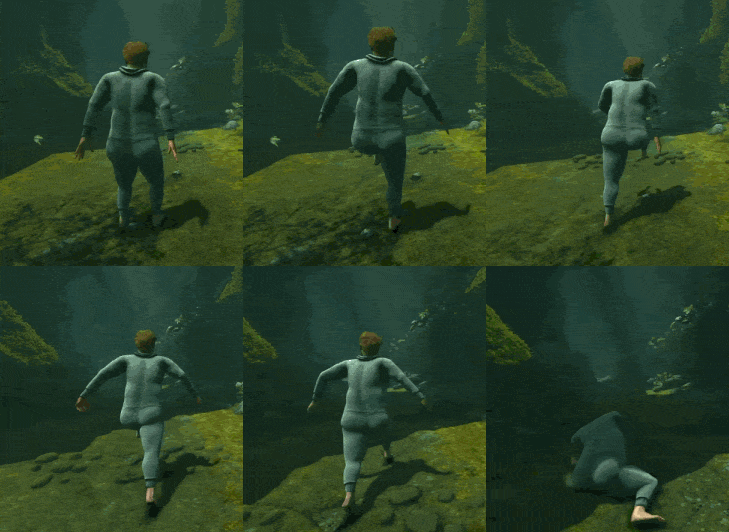
Of course, the application of these technologies for physics games is tremendous. Two of my favorite games are Getting Over It With Bennett Foddy, and Baby Steps. Both of these games use a blend of Forward and Inverse Kinematics to model the interactions of the characters navigating complex terrain with their limbs as the interface between themselves and the terrain.
Baby Steps tends to hand off control between IK and FK at different points, where Getting Over It is pretty strictly IK-only. The player’s cursor in Getting Over it acts as a physical force on the end of the hammer, and IK solves for what happens afterwards. In Baby Steps, the feet play a mix of IK and FK as you lift them (FK defining how the feet raise), then set them (letting IK take back over for the foot positioning). The body obeys FK rules until an obstacle gets in the way, where it will awkwardly IK around until it’s pushed too far, and the character ragdolls.
VR Games commonly use IK to rig the hands and torsos of characters based on the position of the user’s hands and head, as well as other motion tracking. They tend to blend these from a default upright posture, and give the user more authority based on the number of tracking points (so full motion tracking is just straight-up motion capture). In VR, the environment can function as physics constraints on your hands, or the objects held by them. Similarly, when you grab a part of the environment, such as a lever or a handhold, IK can be deployed to stick the end of the limb to that location, overriding the exact tracking from the hand, and instead approximating the hand’s position and the limb’s orientation based on the limits of that object, such as pulling the lever in a smooth line or arc, even if your hand is wobbly when traveling along that path.
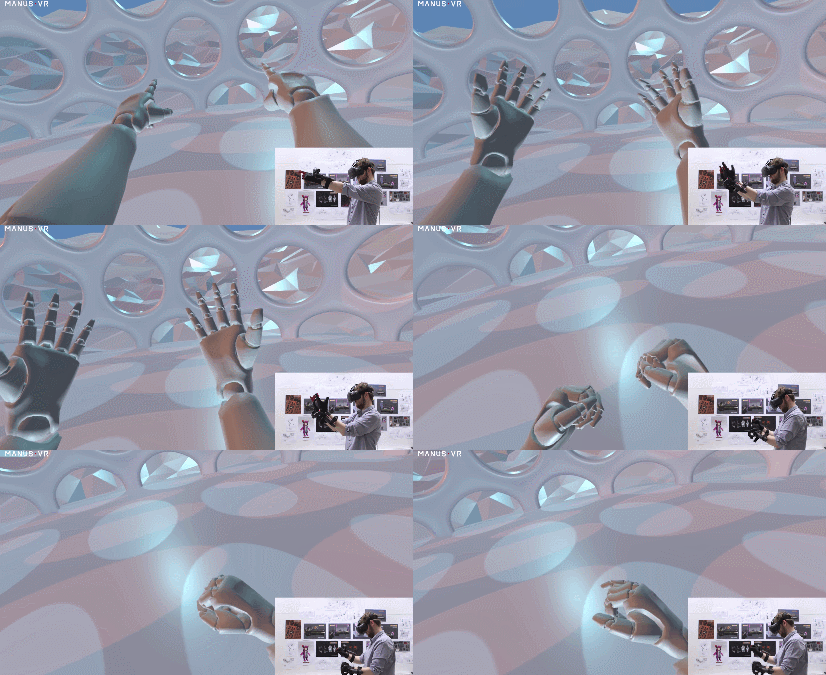
I think it’s really awesome that these technologies are so mature and user-friendly that even small indie creators can make complex physics-based games.
Inverse Kinematics and Animation Blending have a lot of possible applications, both for making games feel smooth and connected to the world, and pioneering new styles of gameplay. I hope that in the future, we can see some of these more experimental approaches break out of simple proof of concepts and develop into more rich integrated experiences that combine more mechanics together and feature more complex environments and obstacles.

